The next report will be on Tuesday, February 25th.
There are five new setups today and three from the prior week. I repeat setups when price is little changed or the setup remains in play. For example, COIN was featured last week and the stock fell after earnings. I pointed out a small wedge last week and this pattern remains, although I adjusted the breakout level. Each comment section starts with a date (Year-Month-Day) so you can see when this comment was last updated.
Trading setups start with prerequisites for trend and relative performance. Ideally, I want stocks that are in clear uptrends and showing relative strength. Sometimes I will select a stock that appears to be transitioning from a downtrend to an uptrend. Qualys (QLYS) is one such stock.
Other times I see long-term relative strength, but short-term relative weakness. This often happens when there is a correction within a bigger uptrend. For example, Gen Digital (GEN) hit a new high in December, and then corrected into February. It shows short-term relative weakness because of this correction.
Most setups feature some sort of Bullish Setup Zone, which is an area I watch when a correction is underway. This means the long-term trend is up and the stock is correcting within this uptrend. The Bullish Setup Zone is an area to watch for firming and a possible breakout. The breakout signals an end to the correction and a resumption of the bigger uptrend.
- DIS Turns Back Up after Post-Breakout Throwback
- BNTX Holds Breakout Zone and Leads
- FAST Sets up with Second Test of Bullish Setup Zone
- EQIX Forms Falling Channel and Firms at Bullish Setup Zone
- COIN Tests Breakout Zone with Small Falling Wedge
- GEN Firms Above Rising 200-day SMA
- QLYS Corrects after Big Breakout Surge
- GOOGL Firms in Bullish Setup Zone
If viewing the PDF in a browser, right click on charts to open in a new tab or window.
Use CRTL and the Plus or Minus keys (+ -) to zoom. 125% works best for me.
Send feedback to support(at)trendinvestorpro.com or use the contact form. [2]
Working with PDF Files
Why the shift to PDF? Working with ChartLists at StockCharts and PDF files is an effective and efficient manner to track and analyze a chart group (ETFs, stocks, Market Regime). It saves an enormous amount of “posting” time, which is the time required to copy/paste the text and charts for each section. With a ChartList, I simply print the charts and analysis to one PDF. This also serves as a good archive.
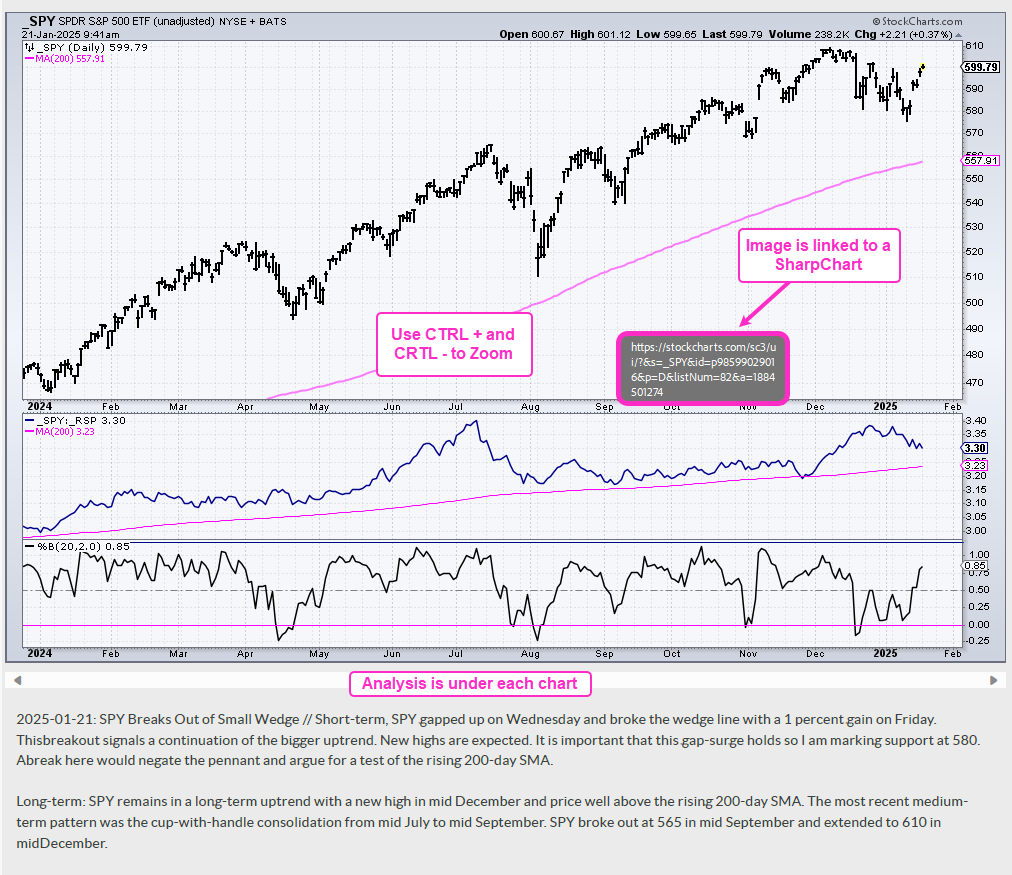
The charts in the PDF files are linked to a corresponding SharpChart at StockCharts. There are two ways to open the PDF file: through your browser or through an application like Adobe Acrobat. When viewing the PDF through your browser, the best way to open a chart is to right click on the image and choose open in new tab/window. When viewing the PDF through Acrobat, you can open a chart in your default browser by simply clicking on the image.
The example below is a screen shot from the PDF.
Send feedback to support(at)trendinvestorpro.com or use the contact form. [2]